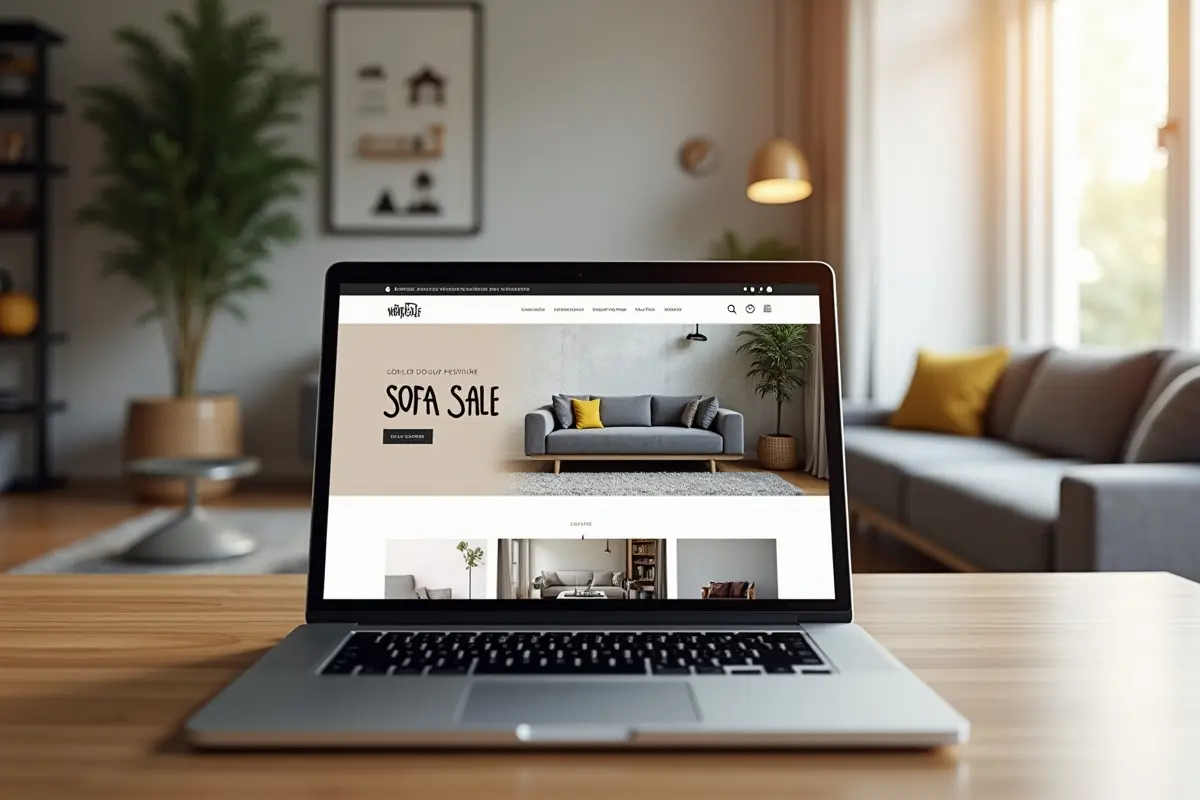
Creating an intuitive and engaging user interface is one of the most important aspects of any successful website. Designers who thoughtfully apply foundational UI patterns deliver smoother, more enjoyable experiences and ensure users can navigate content with minimal friction. By leveraging established UI solutions like navigation bars, card layouts, and breadcrumbs, teams can address common usability challenges and streamline the path users take across the site. To get inspiration from hundreds of real-world web screens, designers often research modern interfaces that balance functionality with simplicity.
UI patterns are vital because they offer tried-and-tested answers to frequent design questions. Instead of reinventing the wheel, designers build trust and consistency by using familiar interaction methods, which guide users toward completing tasks efficiently and comfortably. The following guide explores the UI patterns shaping today’s digital landscape, revealing how each plays a strategic role in web effectiveness and performance.
As content and web applications become more dynamic, designers must consider the end user’s journey through site hierarchies, interactive features, and content feeds. Approaching design with a pattern-based mindset can help teams enhance usability across a variety of site styles and platforms. From first impressions to final conversion steps, well-designed UI patterns can differentiate an average website experience from a truly memorable one.
Ultimately, getting UI patterns right is as much about psychology as it is about visual design. These reusable solutions not only optimize user flows but also create a sense of trust in the website’s reliability and brand. For designers, applying these patterns is an essential part of creating web design systems that scale with both evolving trends and user expectations.
Navigation Bars
Navigation bars have long been the backbone of web usability. Positioned at the top or along the side of a website, they act as the user’s primary tool for finding essential sections quickly. Effective navigation bars are characterized by a consistent presence across all pages, a clear and concise labeling of menu items, and adaptive layouts that ensure responsiveness on both large monitors and smartphones.
For best results, navigation bars should visually distinguish between active and inactive links, and include accessible features such as keyboard navigation and adequate contrast. According to the web navigation design practices highlighted by Smashing Magazine, reducing clutter and using familiar icons can make navigation instantly recognizable and approachable for new users.
Card Layouts
Card layouts are now standard in organizing content-heavy sites. Each card presents information in a compact and visually distinct block, balancing imagery, text, and interactive elements like buttons or tags. This layout is especially helpful when displaying articles, products, portfolios, or social media content, allowing users to scan and explore collections efficiently without information overload.
Leading digital products such as Pinterest and Google News benefit from card layouts to deliver a clear overview of available choices while encouraging deeper exploration. The modularity of cards grants designers flexibility and scalability, enabling new types of content to be introduced without disrupting user expectations or the visual flow of a page.
Breadcrumbs
Breadcrumbs give users a clear path to retrace their navigation steps. This pattern displays a horizontal trail of links, typically near the top of a page, showing the user’s position within the site’s hierarchy. Breadcrumbs become invaluable on websites with deep structure, large catalogs, or layered content, reducing disorientation and saving time that would otherwise be spent on multiple backtracking steps.
When implemented effectively, breadcrumbs can boost users’ confidence in exploring multi-level menus and products. The usability experts at Nielsen Norman Group note that breadcrumbs enhance site usability and increase the likelihood of users engaging with more content, making them a best practice for e-commerce and knowledge-based platforms.
Progressive Disclosure
Progressive disclosure presents only the most relevant elements on initial view, revealing additional details and options as users interact with the interface. This helps keep the page uncluttered while guiding users through sequential tasks. For example, a complex sign-up or checkout process can start with key inputs, revealing further steps only as required responses are completed.
This technique not only prevents cognitive overload but also improves task completion rates by making forms and options feel more achievable and less intimidating. The approach is widely used in onboarding flows, FAQs, and customizable filters, ensuring that the interface adapts to each user rather than overwhelming all users with exhaustive details up front.
Form Validation
Form validation is essential in ensuring the accuracy and completeness of user-submitted data. Real-time validation provides immediate feedback if input does not meet requirements, helping users correct issues before submission. Clear and specific error messages, positioned close to the problematic field, increase users’ confidence and reduce frustration.
Incorporating interactive cues and visual highlights, for example, highlighting required fields or offering suggestions, can further streamline the process. Research from the IEEE Computer Society emphasizes how well-implemented form validation not only prevents errors but also encourages users to complete digital transactions, registrations, or applications successfully.
Modal Windows
Modal windows serve as focused overlays that demand user interaction before returning to the main interface. They are best used for important actions, such as confirming deletions or highlighting special offers, where drawing attention is necessary. To minimize disruption, modals should be easy to dismiss and should avoid trapping users if a mistake is made.
Good design practices call for using modals sparingly to avoid frustration or accessibility problems, reserving them for cases where a temporary interruption will help users achieve a key goal or make an informed decision.
Infinite Scroll vs. Pagination
For websites displaying large collections of content, like social feeds, galleries, or search results, designers typically choose between infinite scroll and pagination. Infinite scroll continually loads more content as the user reaches the end of the visible list, keeping engagement high and encouraging discovery in contexts like news feeds or visual portfolios. However, it can complicate navigation and make it harder for users to locate specific items later.
Pagination, in contrast, segments content into numbered pages, offering a clear sense of progress and facilitating bookmarking or sharing. For e-commerce and information archives, pagination helps users return easily to exact locations. The decision between these methods should be based on the site’s goals and the preferred behavior of its audience, with some hybrid approaches using both for optimal flexibility.
Conclusion
Implementing proven UI patterns like navigation bars, card layouts, breadcrumbs, and well-timed modal windows contributes significantly to crafting intuitive user experiences. Thoughtful use of progressive disclosure and form validation not only supports usability but also builds user trust and satisfaction. As web standards and technologies evolve, these design patterns remain vital in building modern websites that attract, engage, and retain users.